AI Writing Assistant: From One Sentence to a Perfect Article for Beginners
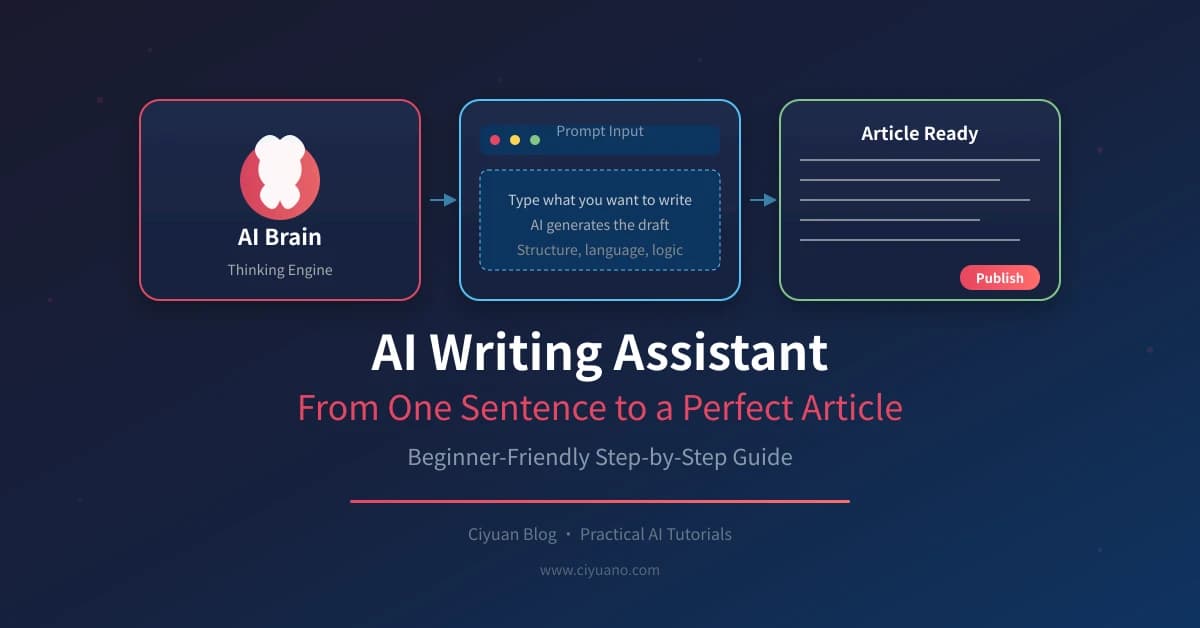
Writing is hard. Starting is harder. AI writing assistants can help you go from a single sentence to a complete, polished article. Here's how to get started.
Why Use AI for Writing?
- Overcome Writer's Block - Get started with AI-generated content
- Improve Flow - Make your writing smoother and clearer
- Save Time - Draft faster, edit smarter
- Learn as You Go - See examples of good writing
Step 1: Start with a Prompt
Even one sentence can become a full article:
| Starting Point | AI Prompt | Result |
|---|---|---|
| Topic only | "Write an article about [topic]" | Full draft |
| One sentence | "Expand this into an article: [sentence]" | Detailed article |
| Bullet points | "Turn these into an article: [list]" | Structured piece |
| Outline | "Write article from this outline: [outline]" | Complete draft |
Step 2: Choose Your Writing Style
Tell AI how you want the article to sound:
- Tone - Professional, casual, friendly, technical
- Length - Short (500 words), medium (1000), long (2000+)
- Audience - Beginners, experts, general public
- Format - Blog post, essay, report, social media
Style Prompt Example
Write an article about [topic]:
- Tone: Friendly and conversational
- Length: 1000 words
- Audience: Beginners
- Format: Blog post with headings
Step 3: Structure Your Article
AI can help organize content:
| Section | Purpose | AI Prompt |
|---|---|---|
| Introduction | Hook readers | "Write engaging intro for [topic]" |
| Body | Main content | "Expand on [point] with examples" |
| Conclusion | Wrap up | "Write conclusion with call-to-action" |
Step 4: Add Details and Examples
Make your article richer:
- Statistics - "Add relevant statistics about [topic]"
- Examples - "Include real-world examples"
- Quotes - "Find relevant quotes to include"
- Data - "Add data to support this point"
Step 5: Edit and Polish
AI can improve your writing:
| Task | AI Prompt |
|---|---|
| Fix grammar | "Correct grammar and spelling" |
| Improve flow | "Make this paragraph flow better" |
| Shorten | "Condense this to 50% length" |
| Expand | "Add more detail to this section" |
| Simplify | "Rewrite in simpler language" |
Step 6: Final Review
Always review AI output:
- Fact-check - Verify all claims and statistics
- Add personality - Make it sound like you
- Check flow - Ensure smooth transitions
- Proofread - Catch any remaining errors
Quick Reference: Writing Prompts
| Need | Prompt |
|---|---|
| Start writing | "Write article about [topic]" |
| Expand | "Add more detail to [section]" |
| Improve | "Make this more engaging" |
| Shorten | "Condense to [word count]" |
| Fix errors | "Correct grammar and spelling" |
Tips for Success
- Be specific - Give AI clear instructions
- Iterate - Refine with follow-up prompts
- Add your voice - Personalize AI output
- Save templates - Keep successful prompts
AI writing assistants make content creation accessible to everyone. Start with a simple prompt and build from there. Your next great article is just a conversation away!
Related Articles
AI Resume Writing: From Zero to Professional in 5 Steps
Learn how to use AI to write a professional resume. Five simple steps from basic information to polished final draft. Perfect for job seekers who want to stand out.
Productivity ToolsAI Note Organization: Build a Personal Knowledge System in 5 Steps
Learn how to use AI for note organization. Build a personal knowledge system in 5 steps. Perfect for knowledge workers and students.
Productivity ToolsAI Side Hustle Planning: Find Your Second Income Source
Want to earn extra income through a side hustle but don't know where to start? AI can help you analyze your skills, match directions, make plans, and track progress. Find your ideal side hustle within a month, even with zero experience.
Comments are not yet available, stay tuned